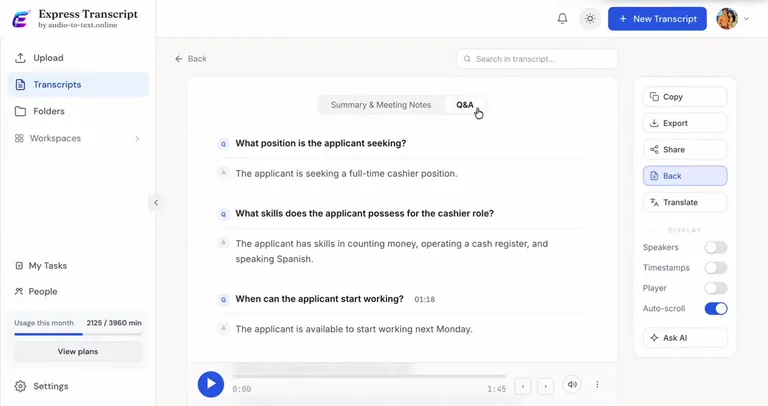
AI transcription forinterviews & researchmeetings & callsinterviews & research
Upload any recording and get accurate transcripts, AI summaries, AI Chat, speaker labels, comments, tasks and shareable exports — all in one workspaceUpload any recording and get accurate transcripts, AI summaries, AI Chat, speaker labels, comments, tasks and shareable exports — all in one workspace
"I used to spend hours listening back. Now I get a summary, decisions, and action items in three minutes."
1,839+ usersUsed for meetings, interviews, and content.
99% accuracyHigh accuracy on any recordings.
135+ languagesTranscribe global audio and video.
GDPR compliantBuilt for privacy-conscious workflows.
No credit cardStart with 30 free minutes.
Built for real work
The same transcript engine, tuned for the work you need done.
Teams
Meeting transcription for Zoom, Google Meet, and Teams.
Upload Zoom, Microsoft Teams, Google Meet, or Webex recordings and get searchable meeting transcripts with speaker labels, summaries, decisions, and action items.
Speaker labels for multi-person calls
Summary, decisions, and action items
Share links for people who missed the meeting
Research
Interview and research transcription for serious work.
Transcribe interviews, focus groups, and research recordings with timestamps, searchable quotes, exports, and clean transcripts for analysis.
Long interview and focus group support
Find important quotes by search
Export clean text for analysis tools
Content
Transcribe calls, videos, podcasts, and webinars.
Turn customer calls, podcasts, webinars, lectures, and video recordings into clean text, subtitles, summaries, and shareable exports.
SRT and VTT subtitle exports
Quote-ready transcript review
Translation for global content
How it works
From upload to finished transcript in one workflow.
A short walkthrough shows the real path: upload a file, review the transcript, then use summary, export, sharing, and Ask AI when the text is ready.
See the product without starting a signup flow
See summary, export, sharing, and Ask AI in context
Top features
Everything you need after the transcript is ready.
From one recording, create summaries, export useful files, share results, record meetings, and ask questions without rereading every line.
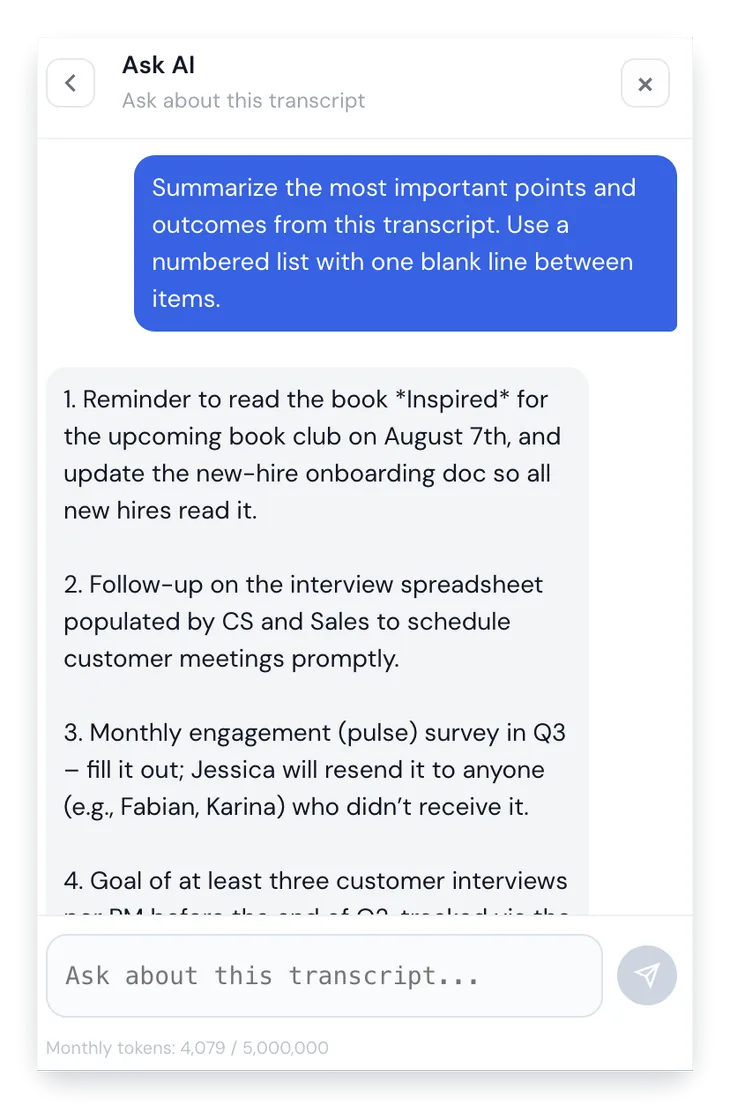
AI summary
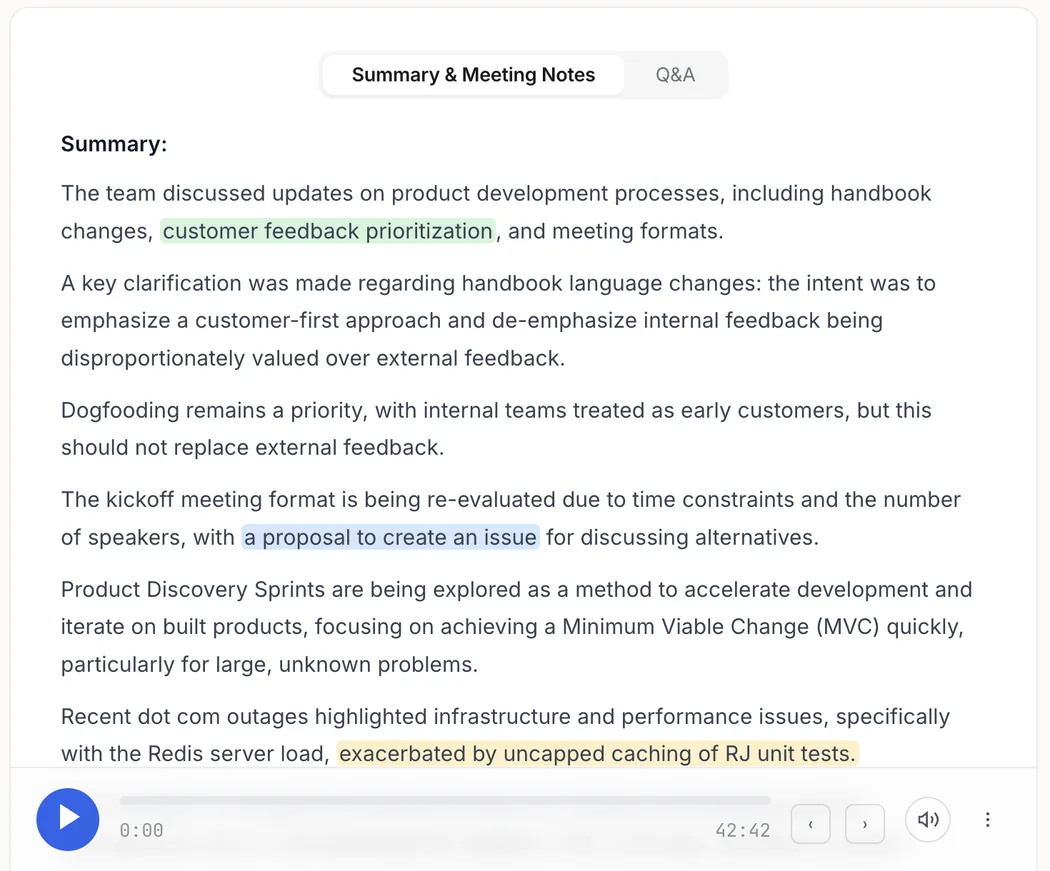
Turn long recordings into decisions.
Get the result you actually need: main ideas, meeting notes, evidence, and next steps you can act on immediately.
Main ideas without rereading the full transcript
Meeting notes and evidence tied to the source
Useful after calls, interviews, lectures, and videos
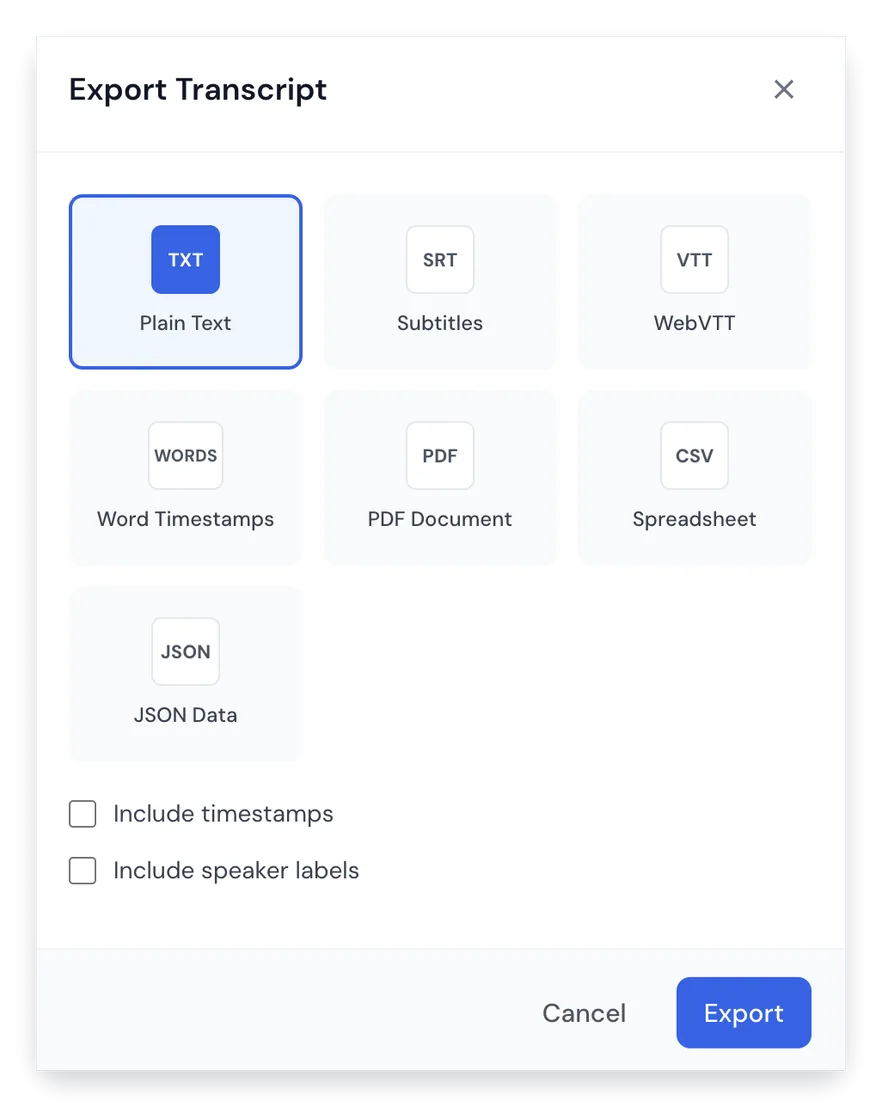
Export
Export formats that keep work moving.
Download the transcript in the format each workflow needs, from clean text to subtitles and structured data.
TXT, PDF, DOCX, SRT, VTT, CSV, and JSON
Speaker labels and timestamps when needed
Ready for subtitles, reports, and documentation
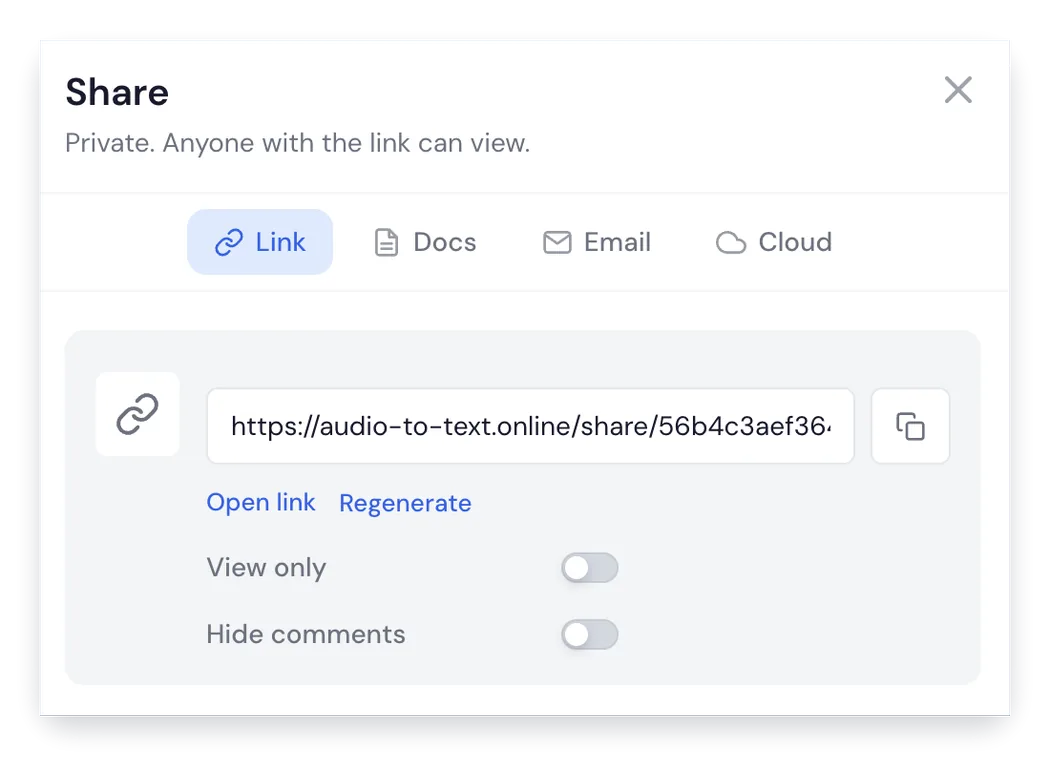
Sharing
Share transcripts without sending files around.
Create a clean shared page so teammates, clients, or collaborators can review the transcript from a link.
Private URL sharing for faster review
Email sharing for collaborators
Good for people who missed the meeting
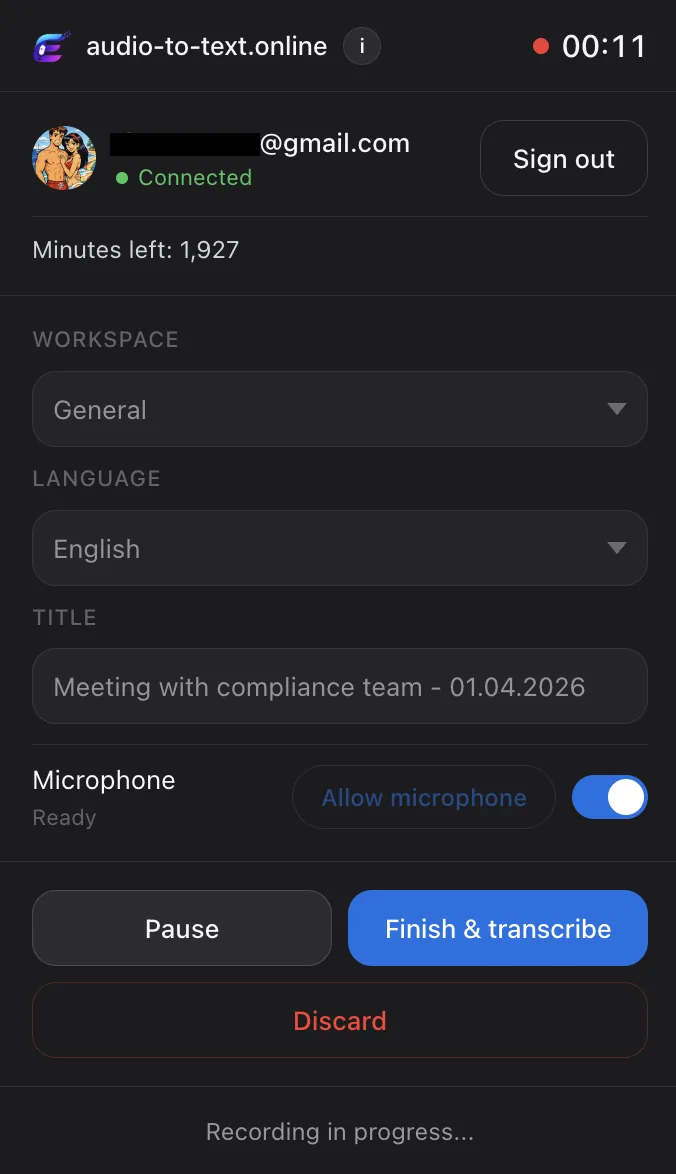
Extension
Record meetings without leaving the browser.
Capture a meeting, lecture, or browser session and send it straight into the transcription workflow.
99%+ accuracy. Our Accuracy Guard cross-checks every transcript against the original recording, so you never get invented words or hallucinated content. Speaker labels and timestamps are accurate down to the second.
Is my data private?
Yes. Files are encrypted and only you can access them. We never train AI on your recordings. We never share your data. When you delete a file, it's permanently removed instantly — not stored, not archived, not recoverable.
Can I transcribe Zoom, Google Meet, Microsoft Teams, and Webex meetings?
Yes. Upload the meeting recording or use the Chrome extension to record browser audio, then get a searchable transcript with speaker labels, summaries, action items, share links, and exports.
Can I use it for interview and research transcription?
Yes. It works for interviews, focus groups, qualitative research, user research, journalism, and long recordings where you need timestamps, searchable quotes, clean exports, and accurate review.
Can I transcribe sales, support, or customer calls?
Yes. You can transcribe call recordings, review key moments, create summaries, find follow-up tasks, and export the transcript for CRM notes, coaching, handoffs, or documentation.
Can I cancel anytime?
Yes. One click in your settings. Your access continues until the end of the period you've already paid for. No emails, no support tickets, no friction.
How long can my files be?
Up to 10 hours or 5 GB per file. That covers full-day workshops, long depositions, multi-hour focus groups — basically anything you'll realistically need to transcribe.
Does it work in my language?
Yes — we support 135+ languages including English, Spanish, French, German, Italian, Portuguese, Dutch, Polish, Russian, Mandarin, Japanese, Korean, Arabic, Hindi, and many more. Speaker detection works across all of them, and you can translate any transcript with one click.
Is my workflow secure for sensitive work?
Yes. We're GDPR-compliant from day one. Files are encrypted in transit and at rest. You control sharing — transcripts are private by default, only accessible to you unless you create a share link. Used by researchers, journalists, lawyers, and corporate teams every day.